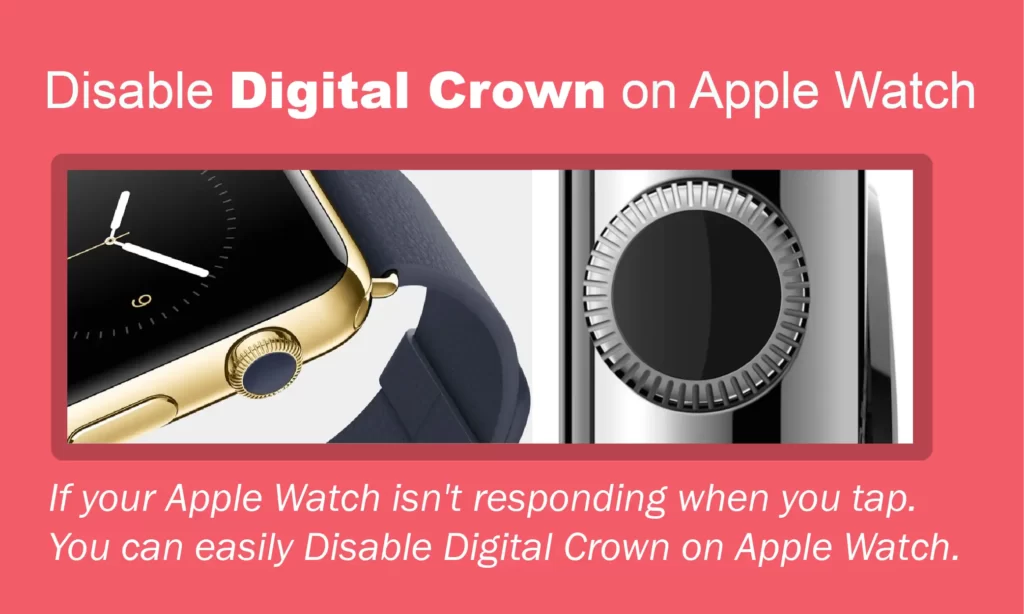
One of the most notable and useful aspects of the Apple Watch is its digital crown. “Digital Crown” has always been an important part of the Apple Watch. It works just like a physical dial that you can scroll, touch, and press to use the Watch’s special features, such as ECG and Siri. It also lets you navigate through your apps and makes it easy to choose what you want.
The digital crown gives users continuous haptic feedback, which makes scrolling through the content feel more real. Some people, though, find this feature very annoying and would rather not have the haptic feedback. You can turn off the haptic feedback on the crown of your Apple Watch Series if you don’t like it or no longer need it.
How to disable digital crown on Apple Watch?
If you don’t like how this feature feels and want to turn it off completely, we’ve got you covered. This article will show you how to disable digital crown on your Apple Watch.
Page contents:
How to turn off digital crown on Apple Watch?
You can turn off the digital crown’s haptic feedback on your Apple Watch. Follow the steps below to turn off the digital crown directly on your Apple Watch.

STEPS: Open the settings>>Go to Sounds and touch>>Click on Haptic Crown or Just move the switch to the left
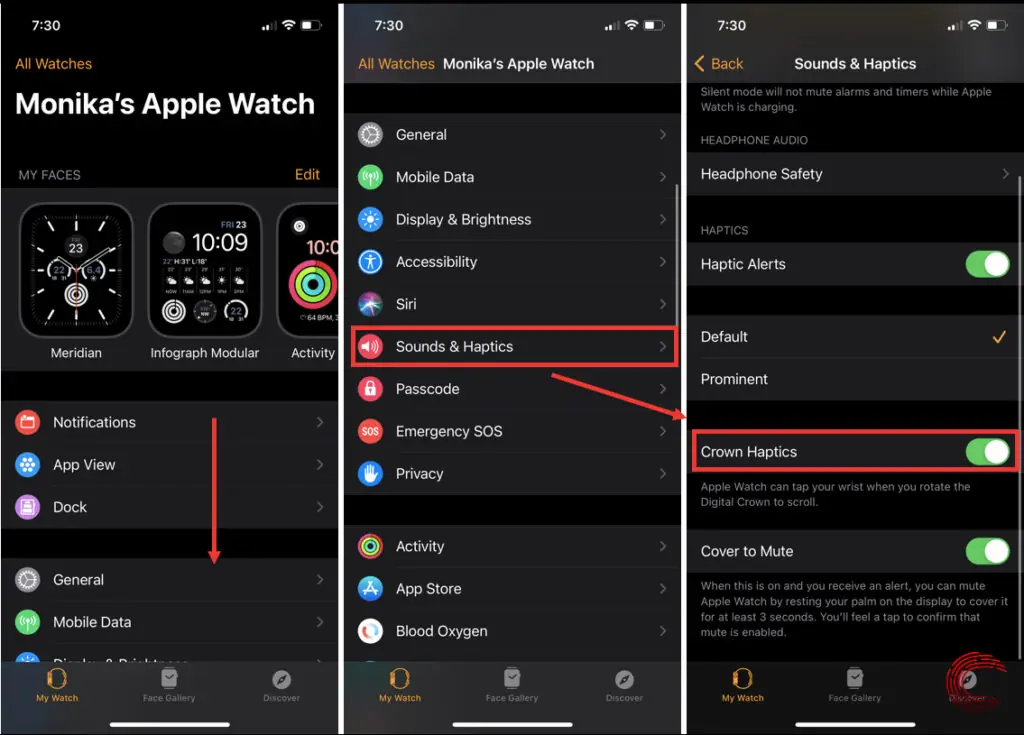
How to Apple Watch turn off digital crown via iPhone?
Follow the steps below to turn off the digital crown by using the Watch app on your iPhone.
FAQs:
How do I get my Apple Watch out of digital crown mode?
You can turn off the digital crown’s haptic feedback on your Apple Watch. Follow the steps:
1. Open the settings.
2. Go to Sounds and touch.
3. Click on Haptic Crown or Just move the switch to the left.
How do I get my Apple Watch out of digital crown mode?
You can turn off the digital crown’s haptic feedback on your Apple Watch. Follow the steps:
1. Open the settings.
2. Go to Sounds and touch.
3. Click on Haptic Crown or Just move the switch to the left.
Conclusion
The Apple Watch Series 4 has some features that make it easy to use, such as an ECG report, fall detection, and more. The Digital Crown can be very helpful for people who need help getting around the things on the screen. If you are having a problem with your Apple Watch Battery draining fast, then make sure to read the article “How to fix Apple Watch Battery Draining so Fast“.